Description
Fast and Reliable Scanner
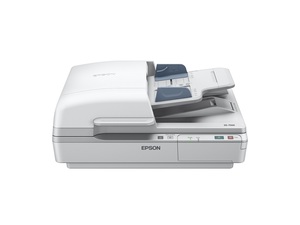
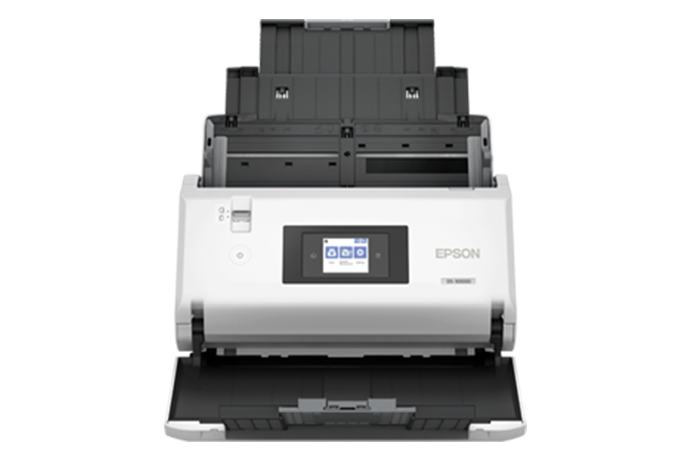
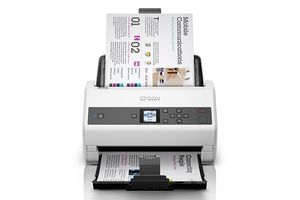
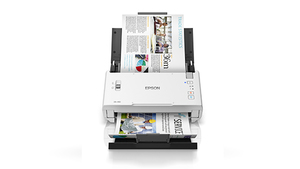
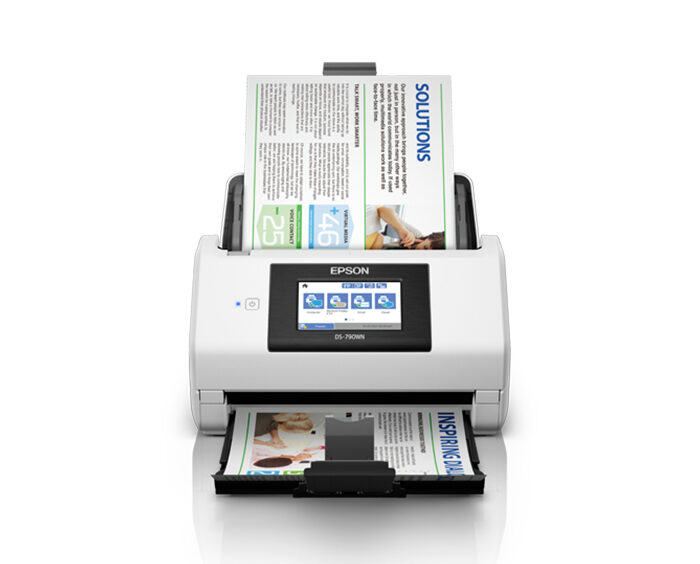
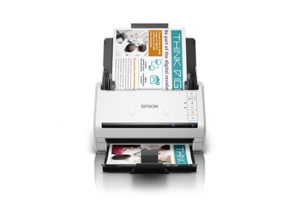
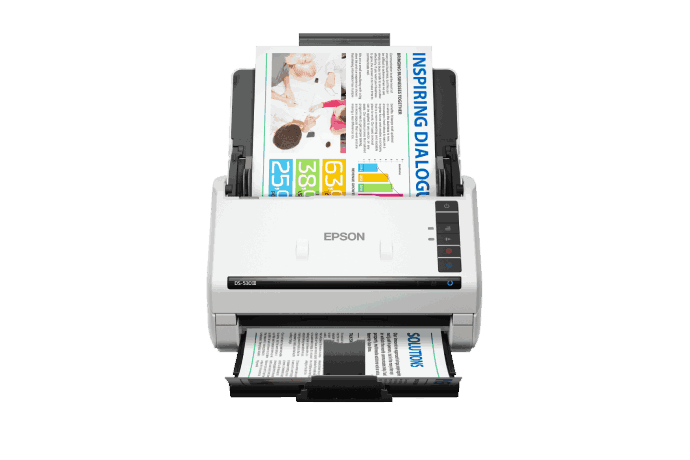
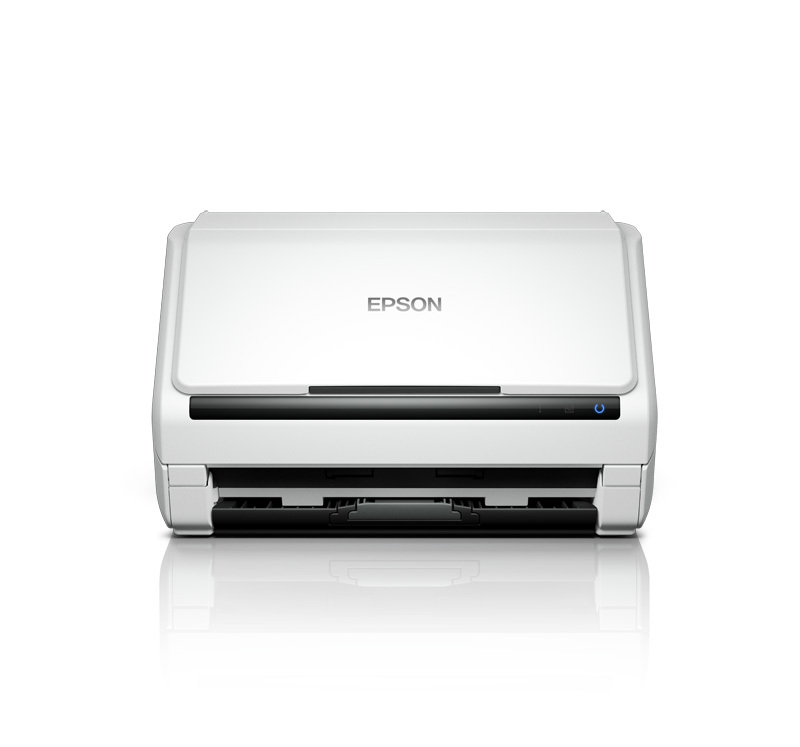
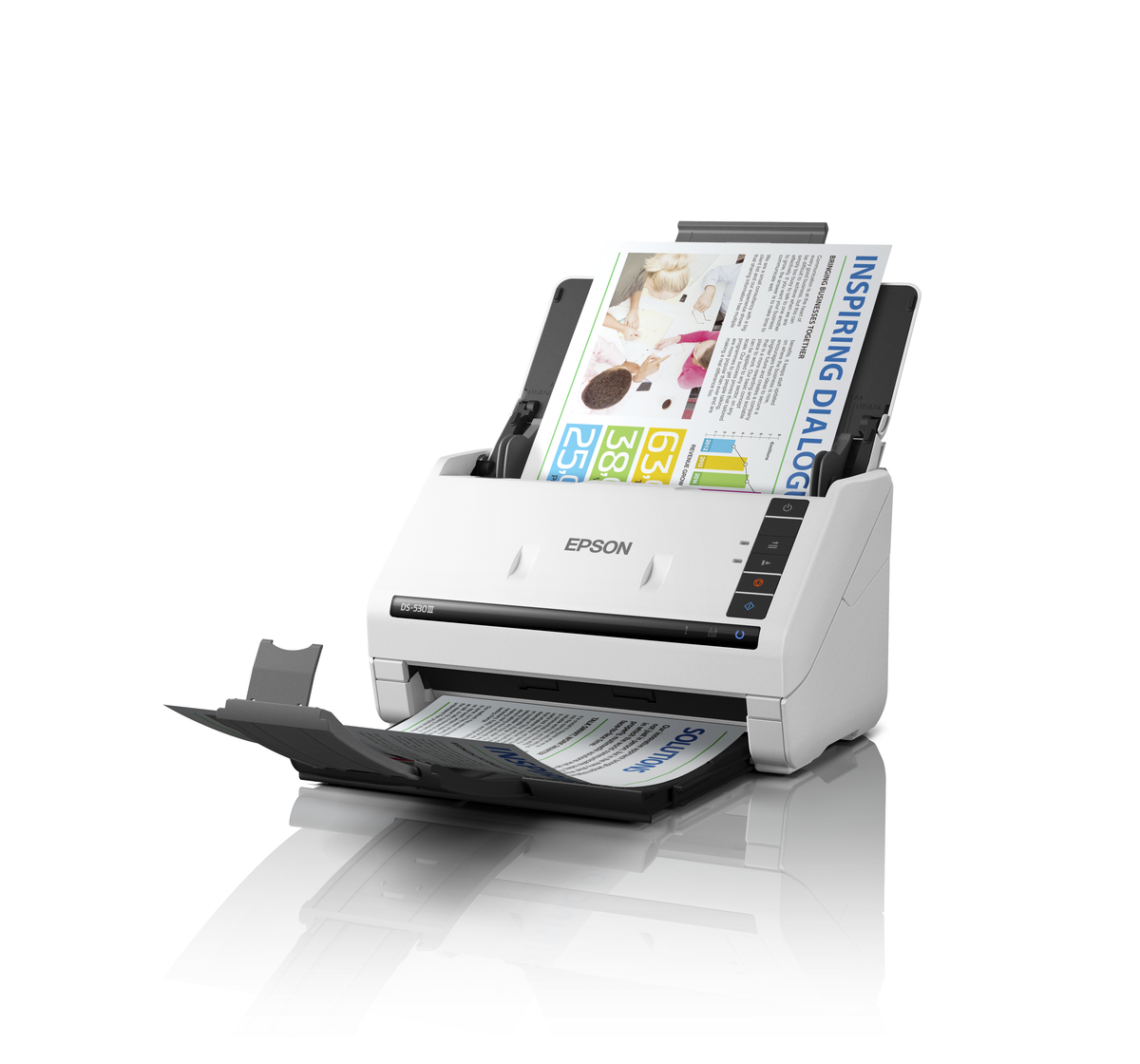
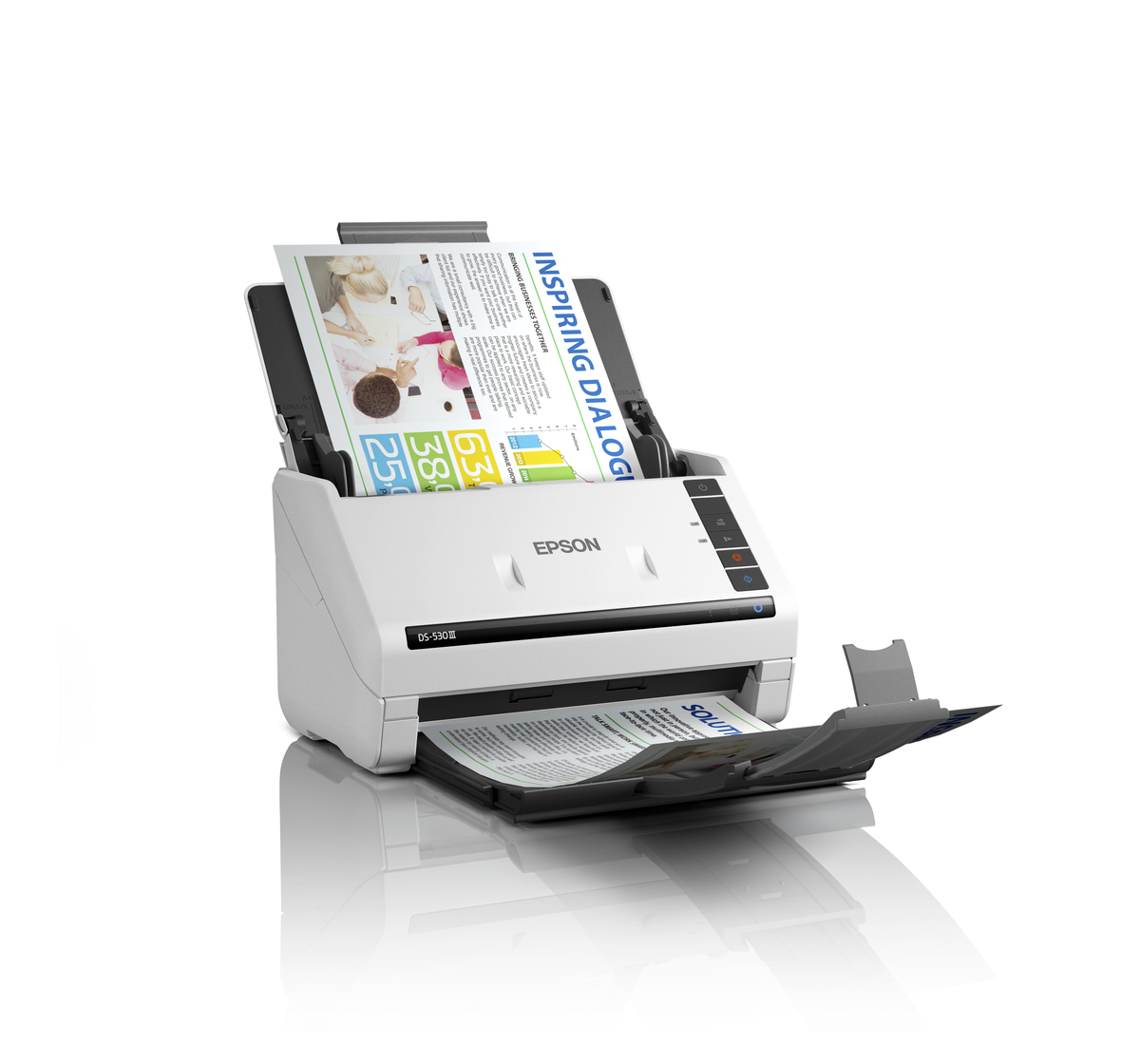
DS-530III delivers one-pass duplex scanning at up to 40 ppm / 80 ipm, and its 60-sheets ADF efficiently handles stacks of everyday documents – ideal for high-volume workflows.
Versatile Media Scanning
Handle a wide range of media to meet diverse business needs. The ADF processes high‑volume, mixed‑size documents with ease – from standard and long paper to plastic cards such as ID, credit, and business cards.
Intuitive One-Touch Control
Work efficiently with essential buttons at your fingertips. Easily skip double feed alerts, enable slow scan mode for delicate documents, or start and stop scans directly from the control panel.
Flatbed Option for Enhanced Versatility
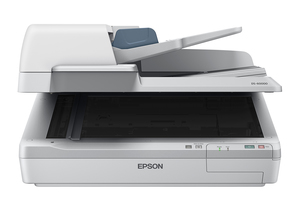
Expand the capability of DS-530III with the optional Flatbed Dock and Epson Perfection V39II for scanning of thick booklets, small and delicate documents.
Paper Protection
Safeguard your documents with the scanner’s built-in Paper Protection feature, which automatically stops scanning when feeding errors are detected to prevent damage to important originals.
Glass Dirt Detection
Get on-screen notification when dirt is detected on the glass surface inside the scanner. This helps prevent poor image quality and reduces the need for re-scanning.